For the complete documentation index, see llms.txt. Markdown versions of all docs pages are available by appending .md to any docs URL.
Ollama
Verified : Code examples on this page have been automatically tested and verified.Configure agentgateway to route LLM traffic to Ollama for local model inference
Configure Ollama to serve local models through agentgateway. Agentgateway 1.3 includes the first-class ollama provider and automatically uses http://localhost:11434/v1 unless you override it.
Before you begin
- Install the
agentgatewaybinary. Install Ollama.
Make sure that you have at least one model pulled locally.
ollama listIf not, pull a model.
ollama pull llama3.2
Configure agentgateway
You can configure agentgateway in the UI or in your configuration file.
To create the same configuration in the UI, follow these steps.
Create a configuration file with an empty
llmsection, and start agentgateway.cat > config.yaml <<'EOF' llm: models: [] EOF agentgateway -f config.yamlAdd the model.
Open LLM > Models, such as http://localhost:15000/ui/llm/models, and click Add model.
From the Provider dropdown, select Ollama.
Keep the default
ollama/*in the Incoming model match field.Keep Unset for the Provider API key.
If Ollama runs somewhere other than
http://localhost:11434/v1, enter the Base URL, such ashttp://192.168.1.20:11434/v1. Otherwise, leave the field empty.For the Outgoing model, select Explicit, and enter
llama3.2.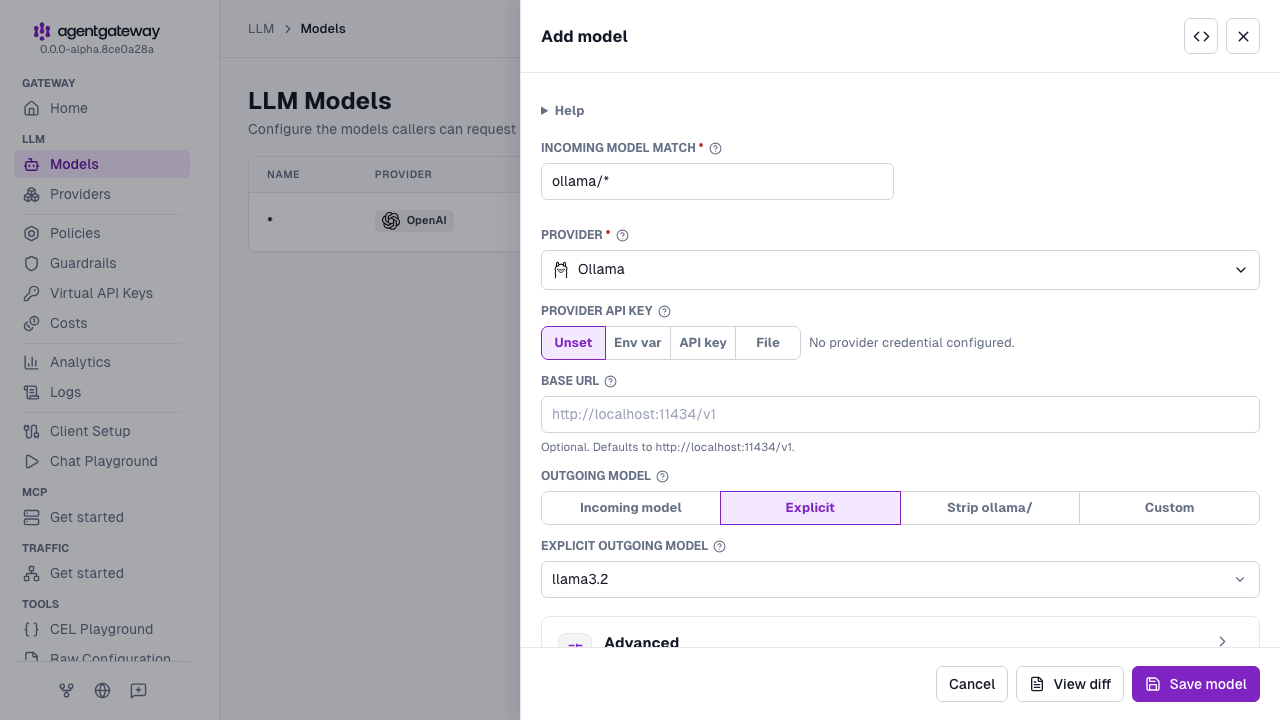
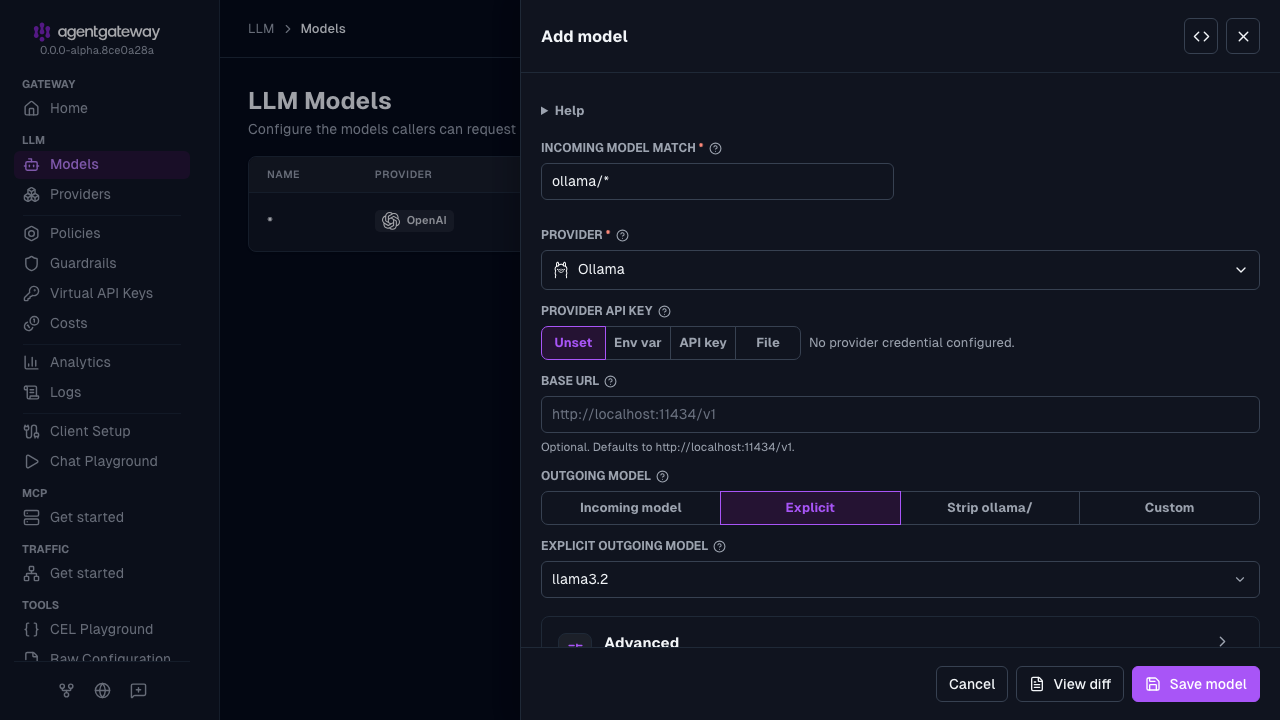
Click Save model.
Serve LLM traffic on port
3000.Open the Gateway Overview page, such as http://localhost:15000/ui/.
On the LLM row, click Settings.
Enter
3000for the Port, and click Save settings.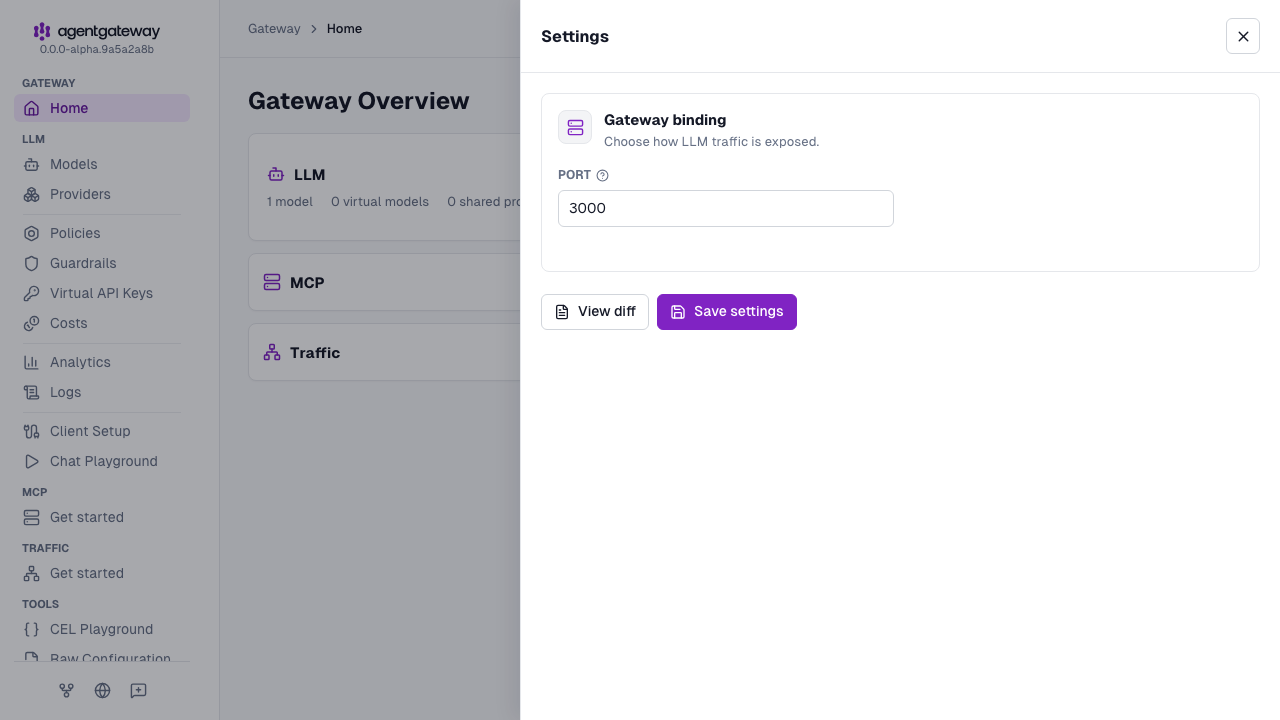
The UI writes the same deprecated llm.port field as the Config file tab, plus an empty llm.gateways list. If your configuration defines gateways, the Settings drawer shows a Gateway dropdown instead of Port, and binds LLM traffic to the gateway that you select.
Whether the UI can save depends on your storage mode. For more information, see Save changes from the UI.
Test the configuration
Send a request to verify that agentgateway routes to Ollama.
The model name in the request must start with the ollama/ prefix. Because the configuration sets params.model, every request goes to llama3.2.
curl http://localhost:3000/v1/chat/completions \
  -H "content-type: application/json" \
  -d '{
    "model": "ollama/llama3.2",
    "messages": [
      {
        "role": "user",
        "content": "Explain Ollama in one sentence."
      }
    ]
  }' | jq
Troubleshooting
Connection refused
What’s happening:
Requests to agentgateway return a 503 response or a connection refused error.
Why it’s happening:
Ollama is not running, is listening on a different address, or params.baseUrl points to the wrong endpoint.
How to fix it:
Verify Ollama is reachable directly.
curl http://localhost:11434/api/versionIf Ollama is not running, start it.
ollama serveIf you set
params.baseUrl, make sure it includes Ollama’s/v1prefix.
Model not found
What’s happening:
The response returns a model not found error.
Why it’s happening:
The requested model has not been pulled into your local Ollama instance.
How to fix it:
List available models.
ollama listPull the missing model.
ollama pull llama3.2
Note
Local providers like Ollama usually run over HTTP and do not require llm.models[].auth or llm.models[].tls. If your Ollama endpoint is behind HTTPS or requires authentication, configure llm.models[].tls and llm.models[].auth like any other upstream provider.