For the complete documentation index, see llms.txt. Markdown versions of all docs pages are available by appending .md to any docs URL.
Arize Phoenix
Integrate agentgateway with Arize Phoenix for LLM tracing and evaluation
Arize Phoenix is an open-source LLM observability platform for tracing, evaluation, and debugging.
Features
- LLM tracing - Trace all LLM calls with full context
- Evaluation - Built-in LLM evaluators for quality assessment
- Embedding analysis - Visualize and debug embeddings
- Dataset management - Create and manage evaluation datasets
- Open source - Self-host or use Arize cloud
Quick start
Run Phoenix locally:
pip install arize-phoenix
phoenix serve
Or with Docker:
docker run -p 6006:6006 arizephoenix/phoenix:latestAccess Phoenix at http://localhost:6006.
Configuration
Phoenix accepts OpenTelemetry traces natively on port 4317 (gRPC) and port 6006 (HTTP), so agentgateway can export traces directly to Phoenix without an intermediate OpenTelemetry Collector.
Configure agentgateway to send traces directly to Phoenix.
You can configure tracing in the UI or in your configuration file.
Whether the UI can save depends on your storage mode. For more information, see Save changes from the UI.
Create a configuration that routes LLM traffic, and start agentgateway.
cat <<'EOF' > config.yaml
# yaml-language-server: $schema=https://agentgateway.dev/schema/config
gateways:
  default:
    port: 3000
routes:
- backends:
  - ai:
      name: openai
      provider:
        openAI:
          model: gpt-4o-mini
  policies:
    backendAuth:
      key: "$OPENAI_API_KEY"
EOF
agentgateway -f config.yamlOpen the Settings > Observability page, such as http://localhost:15000/ui/settings/observability, and click the Tracing card.
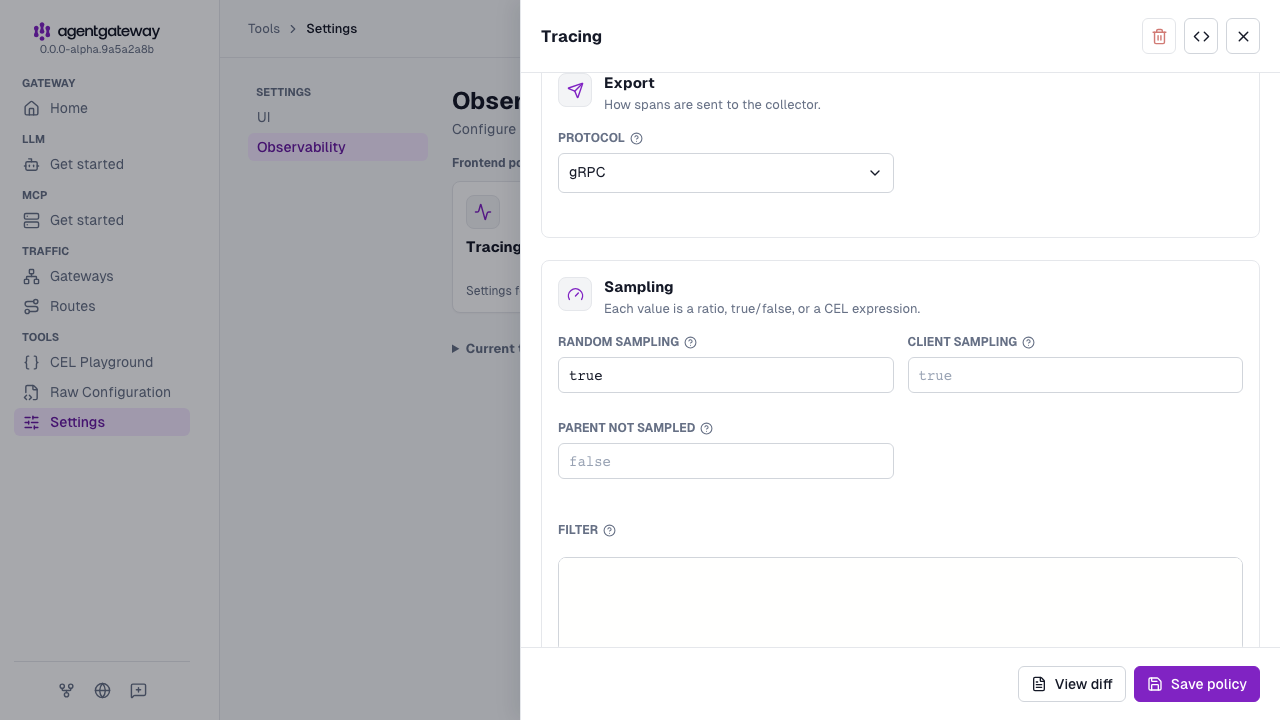
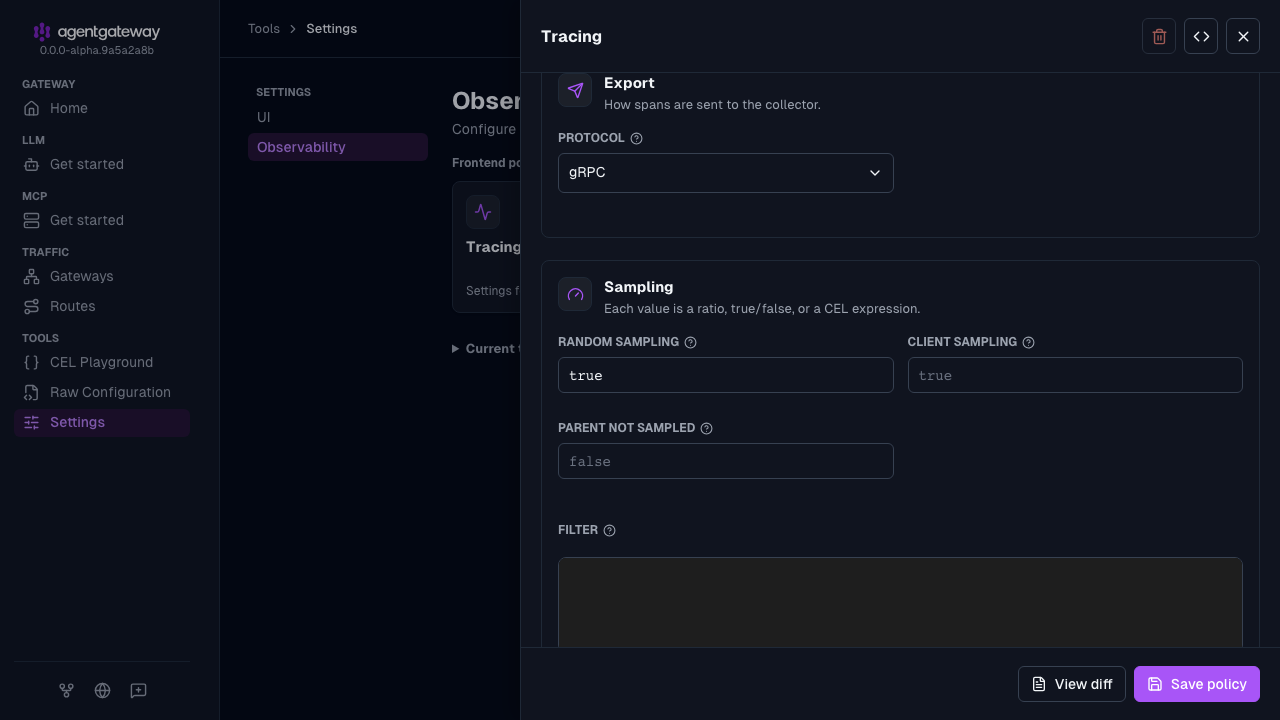
In the Tracing drawer, configure the following fields.
- Host: Keep
localhost:4317. - Protocol: Keep gRPC. The UI does not write the default
protocol: grpcvalue to your configuration. - Random sampling: Enter
true.
- Host: Keep
Click Save policy.
Docker Compose example
Agentgateway exports traces directly to Phoenix without needing an OTel Collector:
version: '3'
services:
  agentgateway:
    image: cr.agentgateway.dev/agentgateway:latest
    ports:
      - "3000:3000"
    volumes:
      - ./config.yaml:/config.yaml:ro
    command: ["-f", "/config.yaml"]

  phoenix:
    image: arizephoenix/phoenix:latest
    ports:
      - "6006:6006"
      - "4317:4317"
When using Docker Compose, update your config.yaml to use the Phoenix service name:
frontendPolicies:
  tracing:
    host: phoenix:4317
    protocol: grpc
    randomSampling: true