For the complete documentation index, see llms.txt. Markdown versions of all docs pages are available by appending .md to any docs URL.
MCP servers
Verified : Code examples on this page have been automatically tested and verified.Connect to an MCP server and try tools in the agentgateway playground.
Use the agentgateway binary to proxy requests to an open source MCP test server, server-everything. Then, try a tool in the built-in agentgateway playground.
Before you begin
Install the agentgateway binary.
Download and install the agentgateway binary. Alternatively, you can manually download the binary from the agentgateway releases page.
To install the latest release:
curl -sL https://agentgateway.dev/install | bashExample output:
  % Total    % Received % Xferd  Average Speed   Time    Time     Time     Current
                                 Dload  Upload   Total   Spent   Left    Speed
100  8878  100  8878    0     0  68998      0 --:--:-- --:--:-- --:--:-- 69359

Downloading https://github.com/agentgateway/agentgateway/releases/download/v1.6.0/agentgateway-darwin-arm64
Verifying checksum... Done.
Preparing to install agentgateway into /usr/local/bin
Password:
agentgateway installed into /usr/local/bin/agentgateway
Steps
Step 1: Start the MCP test server
Run the open source server-everything MCP test server with the streamable HTTP transport.
PORT=3005 npx -y @modelcontextprotocol/server-everything streamableHttpStep 2: Configure agentgateway
You can add the MCP server in the UI, or write it in a configuration file.
Because you add the MCP server from the UI, you can start agentgateway without a config file. When you run agentgateway without specifying a config, it bootstraps a basic config at ~/.config/agentgateway/config.yaml and uses it automatically.
Start agentgateway.
agentgatewayExample output:
info app serving UI at http://localhost:4000/uiOpen the agentgateway UI. The first time that you run the UI, the Welcome to Agentgateway wizard opens. Click Enable MCP, and then click Continue. If you already did this, skip to the next step.
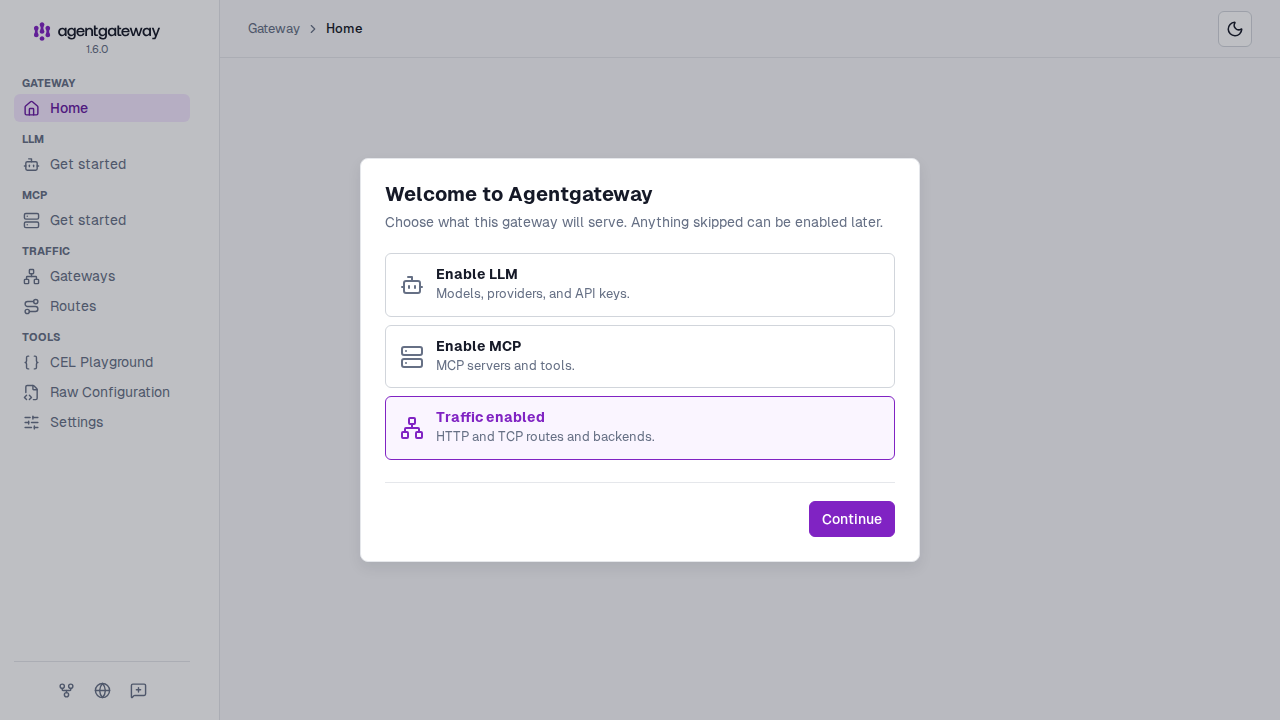
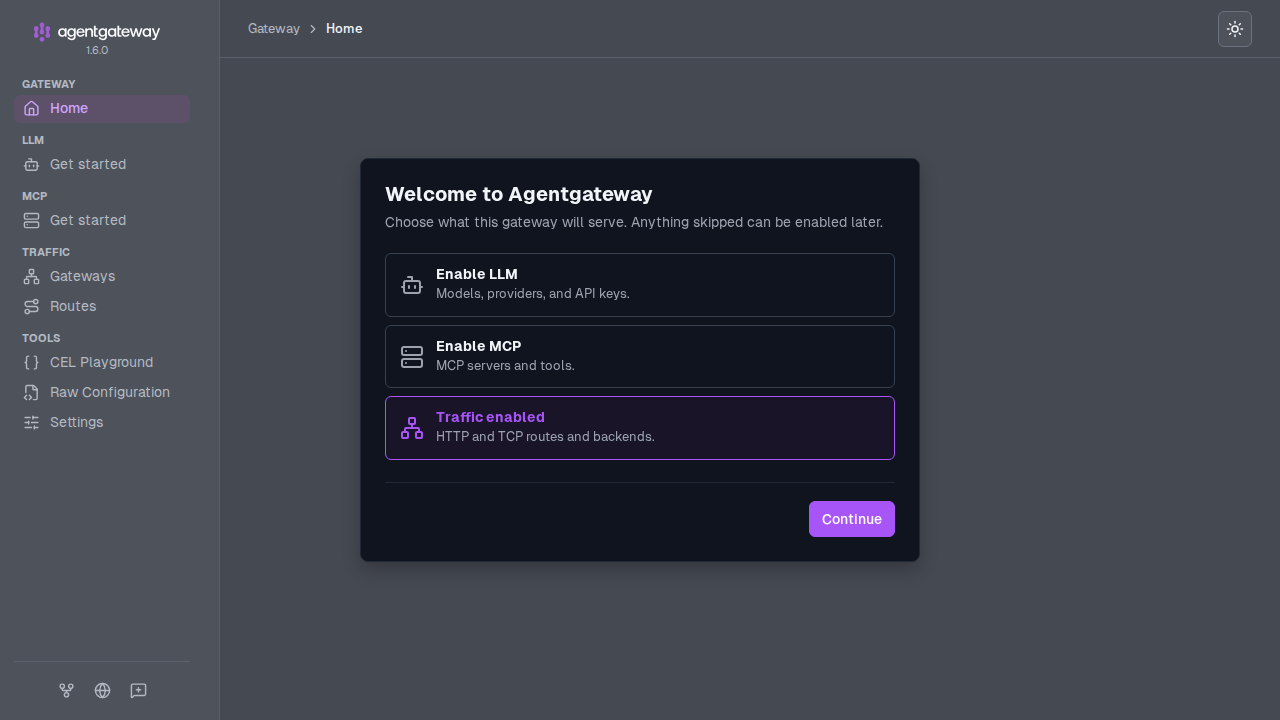
The Gateway Overview home page opens, with the MCP row enabled.
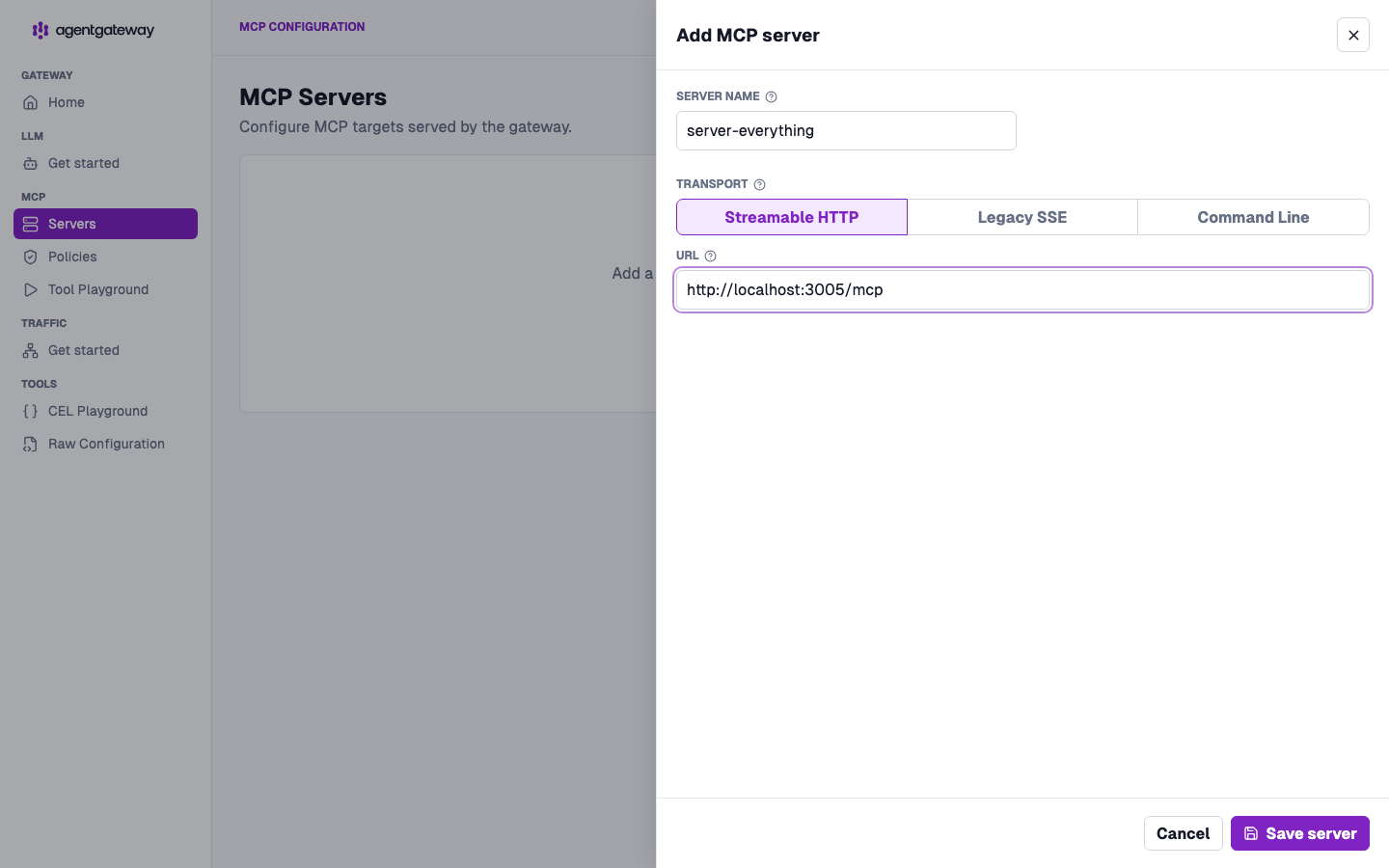
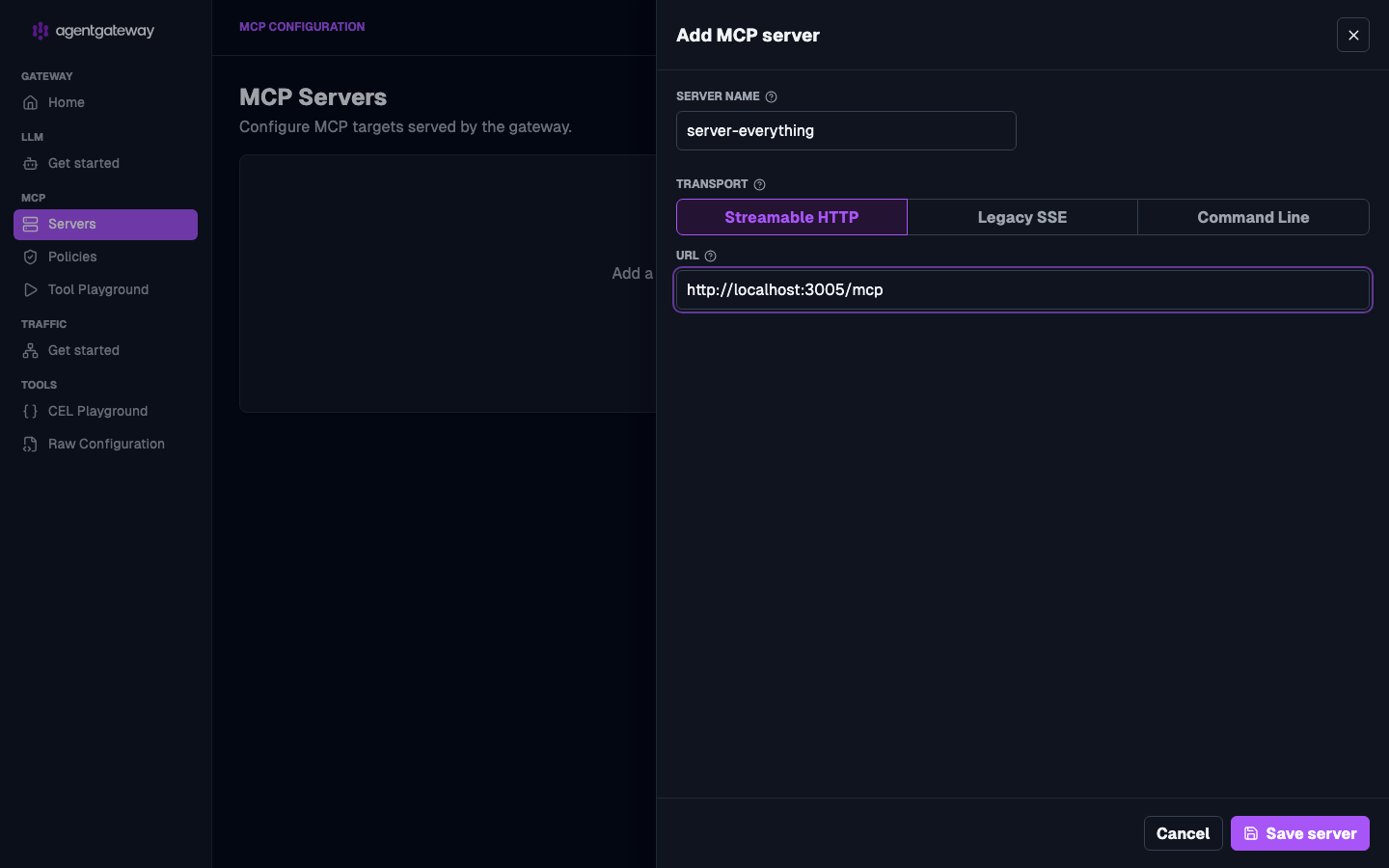
Add the MCP server.
- In the MCP section of the navigation menu, click Servers, and then click Add server.
- For the Server name, enter
server-everything. - Keep the Streamable HTTP transport. For the URL, enter
http://localhost:3005/mcp. - Click Save server.
Step 3: Try a tool
You can try a tool in the UI playground or with curl. Both work the same way, whether you added the MCP server in the UI or in the config file.
In the agentgateway UI, click Tool Playground in the MCP section.
If you see a Browser access is not allowed notice, click Apply CORS so the playground can call the MCP listener from the UI.
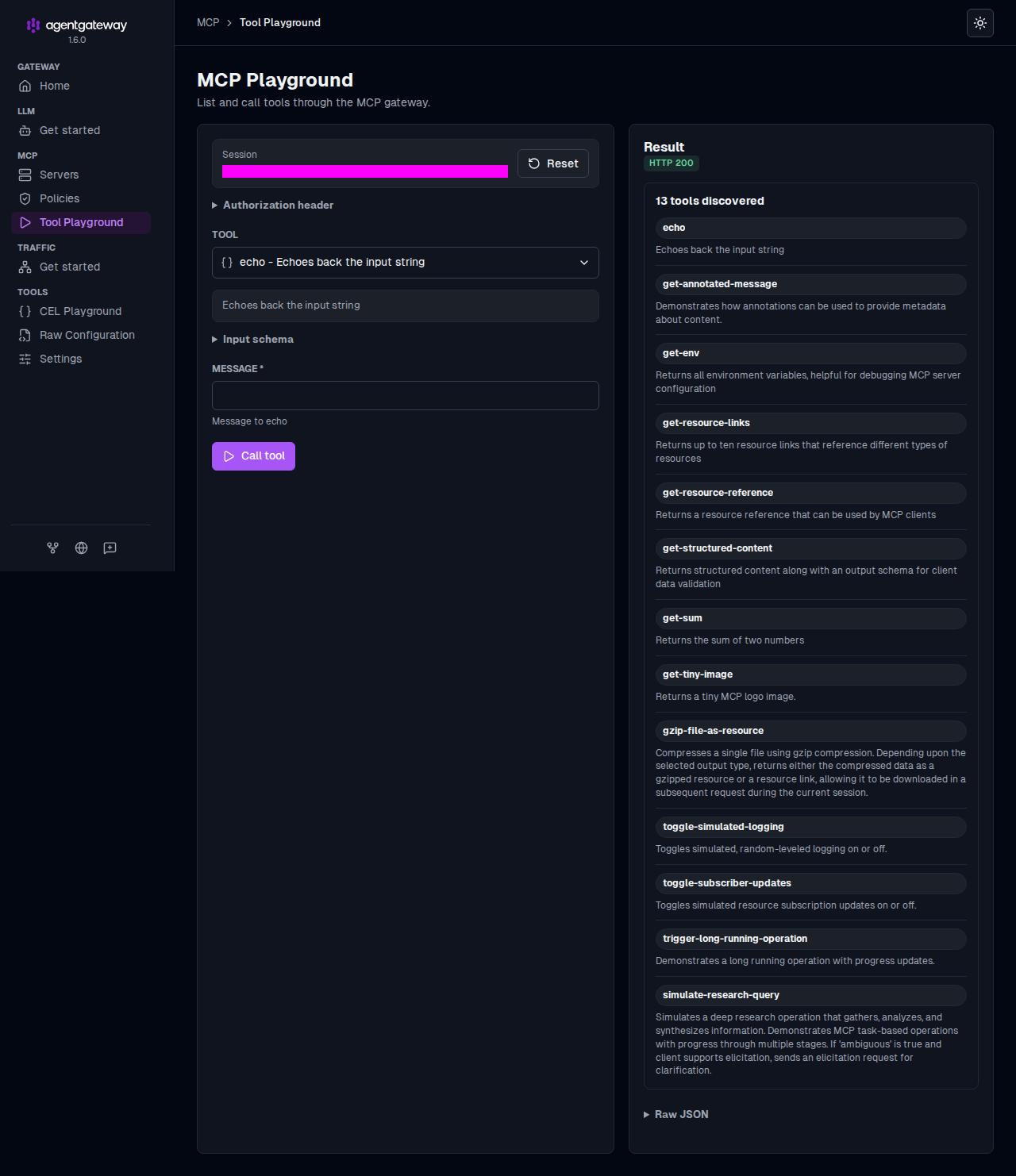
Click Initialize to open an MCP session. The playground lists the tools that the server exposes, such as
echoand variousgetcommands.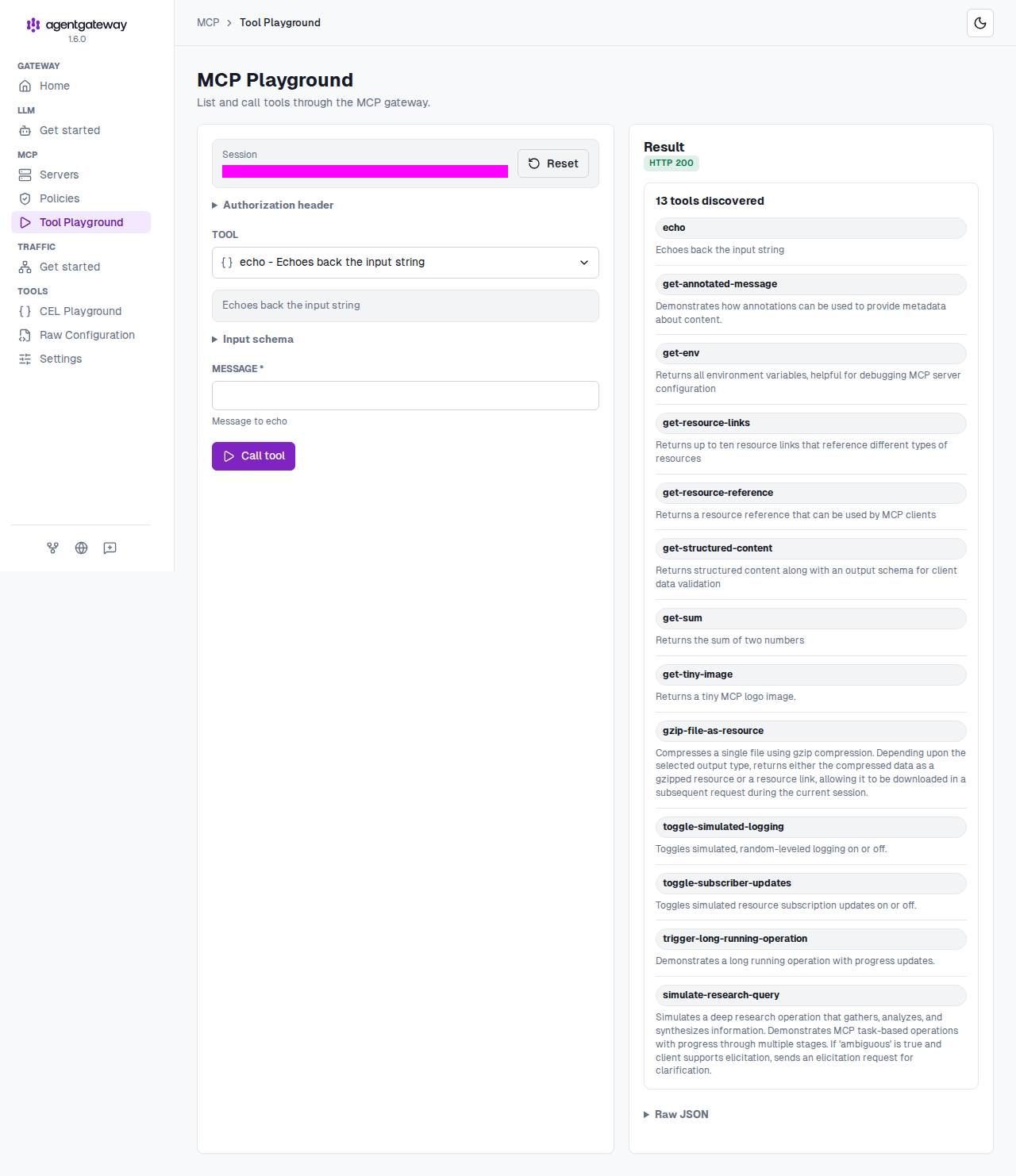
From the Tool dropdown list, select the
echotool.In the Message field, enter a string, such as
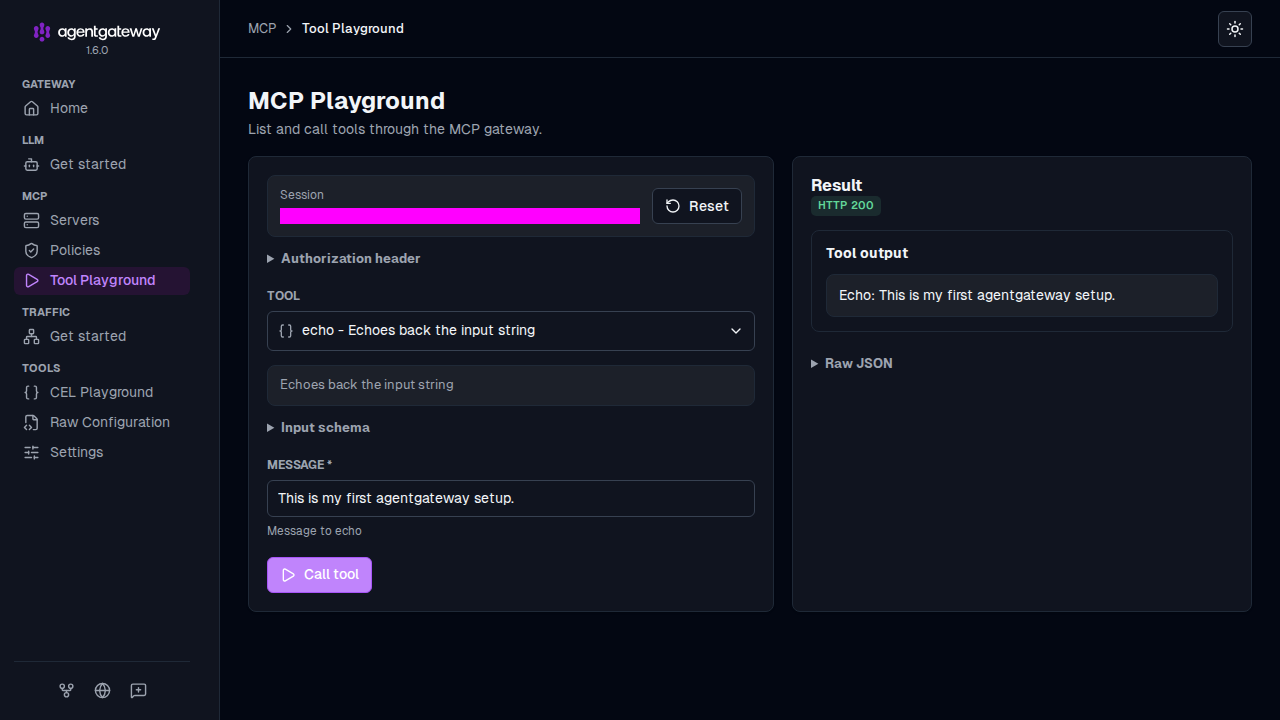
This is my first agentgateway setup, and click Call tool.Verify that the Result card shows an
HTTP 200response with your message echoed back.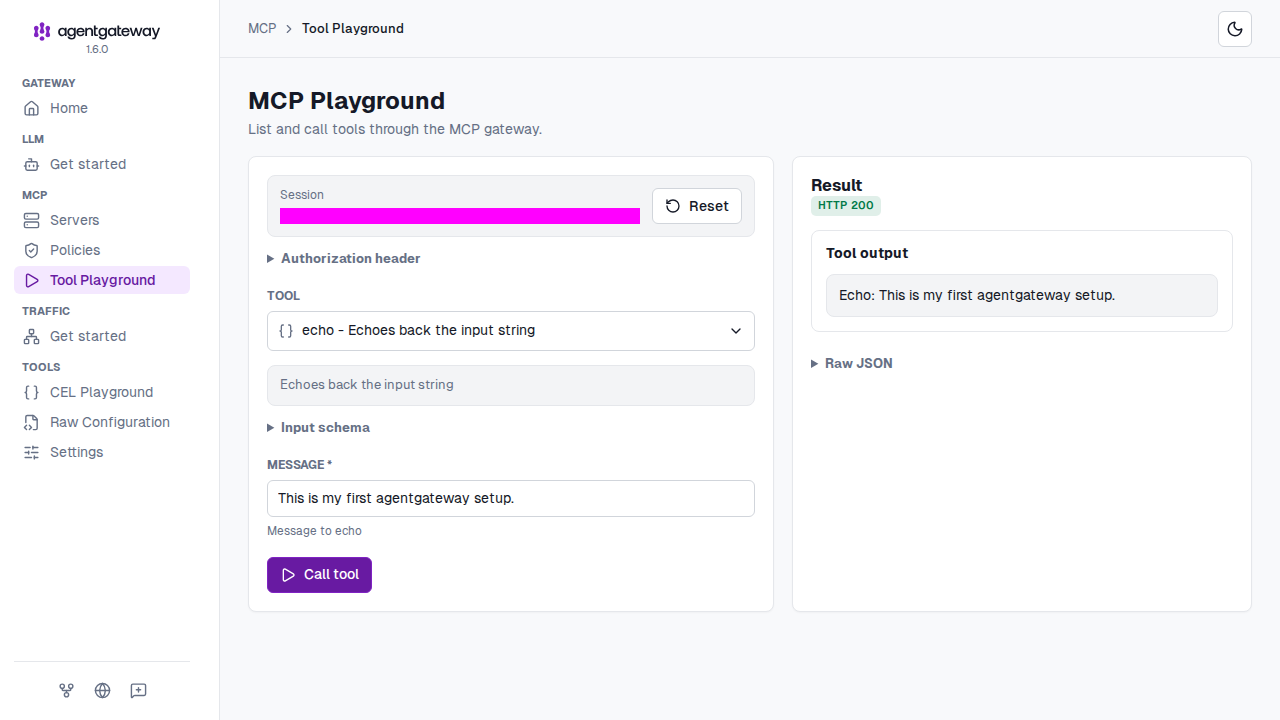
Next steps
Check out more guides for using MCP servers with agentgateway.